Drupal Best Practices
Published Feb 26, 2016
Read the official Drupal best practices guide here, if you haven’t already. Summarized:
- Plan your site. Gather requirements, features and content. Choose a good base theme.
- Backup! Things can and will go horribly wrong. Make a habit of backing up your database on a regular basis. For your code, you git.
- Don’t modify the Drupal code. Extend it instead. If you find a bug in Drupal core, submit a patch!
- Get involved and contribute. If you haven’t already, create an account on Drupal.org. Submit issues and patches, or ask questions.
Here are some other best practices I have picked up along the way:
Add a README to your module
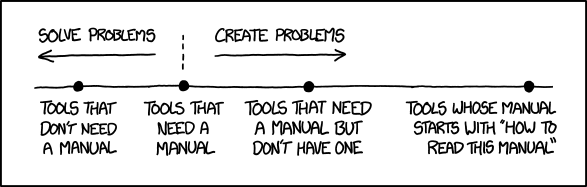
Have you ever looked at a module you wrote after sometime and wonder what it is supposed to do? If you are writing a lot of code, or taking over a project from someone else, it could be hard to understand exactly what is going on in the module. Yes, you can read through the code and try to understand the flow. But, it’s not always straight forward to understand the purpose of a block of code.
It’s often important to know why a module does what it does, than how it does.
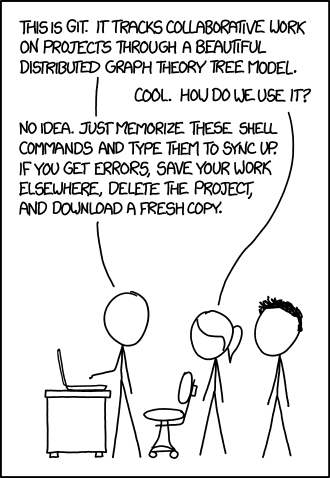
Use git, and use it smartly:
If you aren’t using git, stop right now and start using it. If you don’t know git or you are scared to start, use this at your starting point: Learn Enough Git to Be Dangerous
Don’t overuse Modules:
It’s tempting to install a module for every new feature. But before you give in, make sure a new module is absolutely what you need. Ask yourself:
- Can I create this feature using existing modules? Views is a good example of a module that can be used in interesting and original ways.
- Can I simply use a hook in my template? For simple things like modifying pages and nodes and inserting external assets, don’t add a module!
- Sometimes you only need a couple of features from a very heavy module. It’s wiser to write a custom module than to install the heavy module.
The more modules you have, the slower your site is going to be.
Reuse Fields:
It’s a good practice to create content types for different types of content. However, try to reuse the existing fields used in other content types. The reason behind this is for every new field you create, Drupal will create a few tables for it. By reusing a field, you keep the number of tables lower.